
Common Payroll Mistakes: 10 Errors and How to Avoid Them
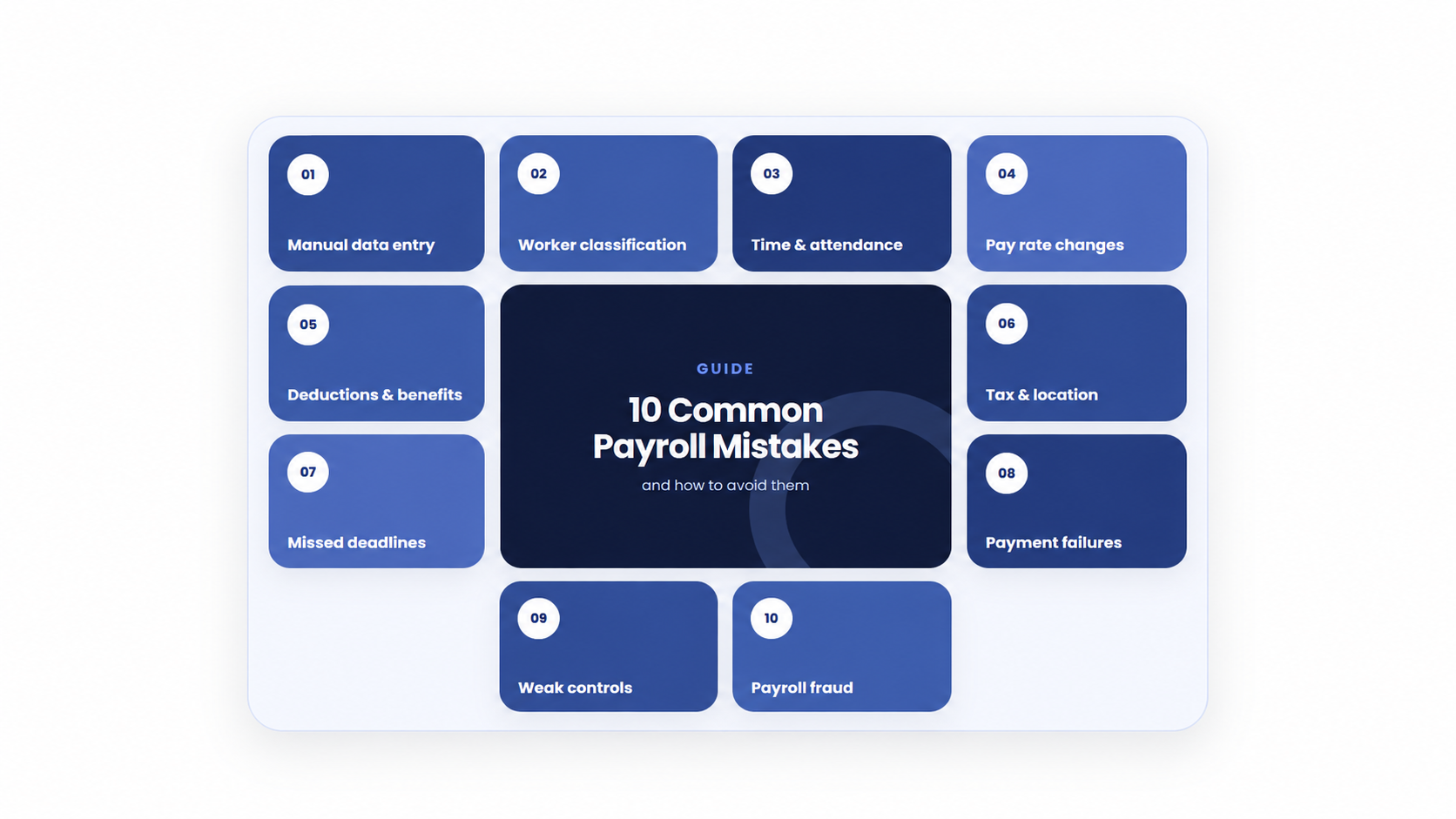
Payroll mistakes can affect employee pay, company records, taxes, and reporting. Even a small data-entry error can cause an incorrect paycheck, while a missed deadline can create bigger payroll and compliance problems.
Understanding what payroll is can help businesses see how employee information, working hours, pay rates, deductions, taxes, approvals, and payments fit together.
In this guide, we will look at the most common payroll mistakes, why they happen, and how businesses can prevent and fix them.
What Is a Payroll Mistake?
A payroll mistake is an error that causes an employee to be paid incorrectly or causes payroll records, deductions, taxes, or reports to contain incorrect information.
Payroll errors can happen at different stages of the payroll cycle, from collecting employee information and calculating pay to approving payroll, making payments, and completing post-payroll tasks.
Some mistakes are simple data-entry errors. Others happen because of incorrect worker classifications, outdated tax information, manual calculations, or missed deadlines.
10 Common Payroll Mistakes
1. Misclassifying Workers
One common payroll mistake is putting a worker into the wrong employment or tax classification.
For example, a business may incorrectly treat a regular employee as an independent contractor or apply the wrong exempt or non-exempt status.
Worker classification can affect wages, overtime, taxes, benefits, and other payroll requirements. The correct classification depends on the applicable rules in the worker’s location.
Review the worker’s role, working arrangement, contract, and applicable requirements before assigning a payroll classification. If the classification is unclear, seek qualified local advice.
2. Incorrect Hours and Overtime
Incorrect working hours are another common source of payroll errors.
Payroll teams may enter the wrong number of hours, miss approved overtime, make incorrect break adjustments, or apply the wrong overtime multiplier.
These mistakes can directly change an employee’s gross pay.
Before processing payroll, compare recorded hours with approved timesheets and investigate unusual changes. Make sure overtime rules and rates are correctly configured for the applicable workers.
Businesses should also understand their payroll components, including regular wages, overtime, bonuses, deductions, and other pay items.
3. Tax and Deduction Mistakes
Taxes and deductions can become complicated when payroll information or rules are incorrect.
Common problems include:
- Using outdated tax rates
- Applying the wrong tax codes
- Missing statutory deductions
- Calculating taxable pay incorrectly
- Failing to submit required payroll filings
- Applying an incorrect deduction amount
Tax and statutory requirements can change, so payroll teams should use current official guidance for the relevant jurisdiction.
After calculating payroll, review tax and deduction totals and investigate unusual changes before submitting payments or reports.
4. Manual Data Entry Errors
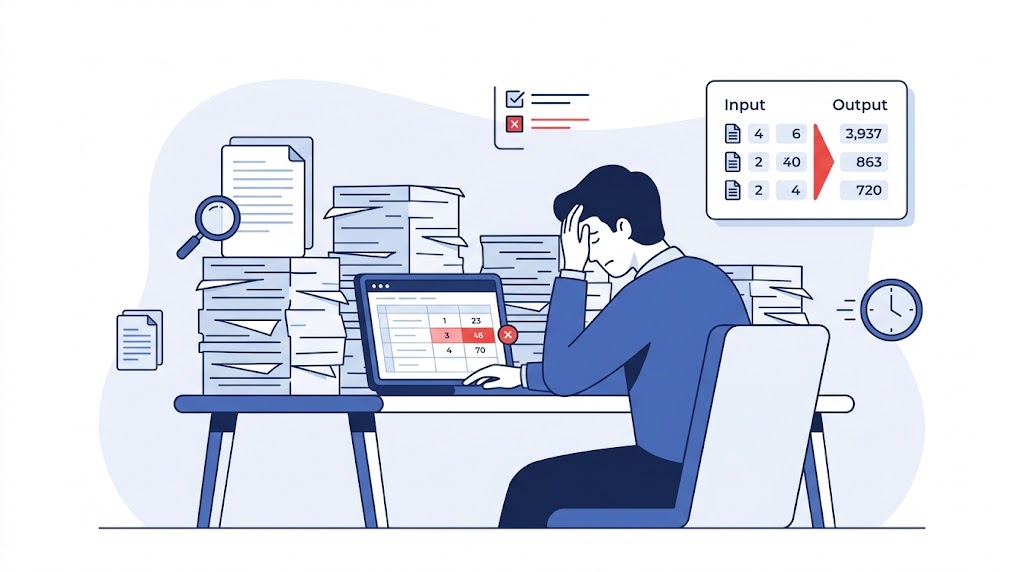
Manual data entry can create simple mistakes that have a direct effect on payroll.
For example, a typo in an employee’s bank account, salary amount, name, tax information, or working hours can cause an incorrect result.
Spreadsheets can also create problems when different versions of payroll data are used by different people.
To reduce these errors, use controlled employee records, validation checks, approval processes, and restricted access to sensitive payroll information.
Where possible, automation can also reduce repetitive manual entry.
5. Missing Payroll Deadlines
Payroll has multiple deadlines, including internal cutoffs, payroll approval, employee payments, tax payments, and required reports.
Missing one deadline can delay employee wages or create problems with payroll filings and payments.
A documented payroll processing checklist can help payroll teams track important tasks before, during, and after each pay run.
Create a payroll calendar with:
- Employee input deadlines
- Timesheet cutoffs
- Payroll calculation dates
- Approval dates
- Funding deadlines
- Payday
- Tax and reporting deadlines
- Post-payroll reconciliation
Assign an owner to each important task and keep backup coverage for critical payroll activities.
6. Using Incorrect Pay Rates, Bonuses, or Benefits
Even when employee information and working hours are correct, payroll can still be wrong if a pay item is incorrect.
Examples include:
- An outdated salary or hourly rate
- A duplicate bonus
- An incorrect benefit amount
- An unauthorized deduction
- An incorrect retroactive adjustment
Review unusual pay changes against their approval and effective date before final payroll approval.
A second review can be useful for high-value or unusual payroll changes.
7. Applying the Wrong Rules to Remote or Multi-Location Workers
Employees who work from different locations can create additional payroll challenges.
A change in work location may affect wages, taxes, contributions, reporting, or other payroll requirements.
Payroll and HR records should show the correct work location and effective date. If an employee moves to another jurisdiction, review the applicable requirements before the first affected payroll.
For cross-border or complex cases, qualified local advice may be necessary.
8. Keeping Incomplete Payroll Records
Payroll records should make it possible to understand where a payroll figure came from.
Problems can occur when businesses cannot connect a payroll amount to its original employee data, approval, calculation, payment, or report.
Keep records of:
- Employee payroll data
- Approved changes
- Timesheets
- Payroll registers
- Payment records
- Tax and statutory reports
- Payroll approvals
- Reconciliations
- Payroll corrections
Do not simply replace an incorrect payroll file and delete the original. Keep the correction history so there is a clear audit trail.
9. Unauthorized Changes or Payroll Fraud
Not every payroll error is accidental. Unauthorized changes can involve employee records, bank details, salary amounts, or payments.
Warning signs can include unusual bank-account changes, unexpected salary increases, duplicate payments, or payments outside the normal payroll cycle.
Use role-based access and separate payroll preparation, approval, and payment release where practical.
Sensitive changes, especially bank-detail changes, should receive independent verification.
10. Not Reviewing Payroll Software Output
Payroll software can reduce manual work, but it does not automatically guarantee that every payroll result is correct.
Software works with the employee information, settings, rules, and approvals provided to it. Incorrect data or configuration can still produce an incorrect payroll result.
Before approving payroll, review:
- Unusual pay changes
- Missing employees
- Unexpected deductions
- Tax differences
- Rejected payments
- Large changes from the previous payroll
- Other system exceptions
This is why understanding how payroll works is important even when a business uses payroll software.
How to Fix a Payroll Mistake
Finding a payroll mistake is only the first step. The business should identify the cause, determine who and what was affected, correct the error, and prevent the same problem from happening again.
1. Acknowledge and Investigate the Error
Review the employee report or payroll exception as soon as possible.
Compare the payroll result with the original employee data, approved hours, pay rates, deductions, and applicable rules.
Do not immediately overwrite the original record. First determine:
- What went wrong?
- Which employee or employees are affected?
- Which pay period is affected?
- Was the employee underpaid or overpaid?
- Are taxes or reports affected?
- Did the same error affect other employees?
Finding the root cause helps prevent the same mistake from appearing in another pay run.
2. Correct the Payroll Data
Once the cause is confirmed, correct the underlying information.
For example, this could mean correcting working hours, updating an approved pay rate, fixing an employee record, or correcting a deduction.
Recalculate the affected payroll and have an authorized person review the correction.
3. Correct the Payment
If an employee was underpaid, follow the applicable local requirements for correcting the payment. An off-cycle payment may be necessary depending on the situation.
If an employee was overpaid, do not automatically deduct the amount from future wages. Recovery rules differ by location and may require notice, consent, limits, or another process.
4. Correct Payroll Records and Reports
A payroll correction may affect more than the employee’s paycheck.
Review connected:
- Payroll records
- Payslips
- Tax calculations
- Statutory reports
- Contributions
- Benefits
- Accounting records
- Payment records
Make any required corrections using the applicable local process.
5. Document the Correction
Keep a record of the original error, corrected calculation, approval, payment, communication, and any amended reports.
This creates an audit trail and makes future payroll reviews easier.
How to Prevent Payroll Mistakes
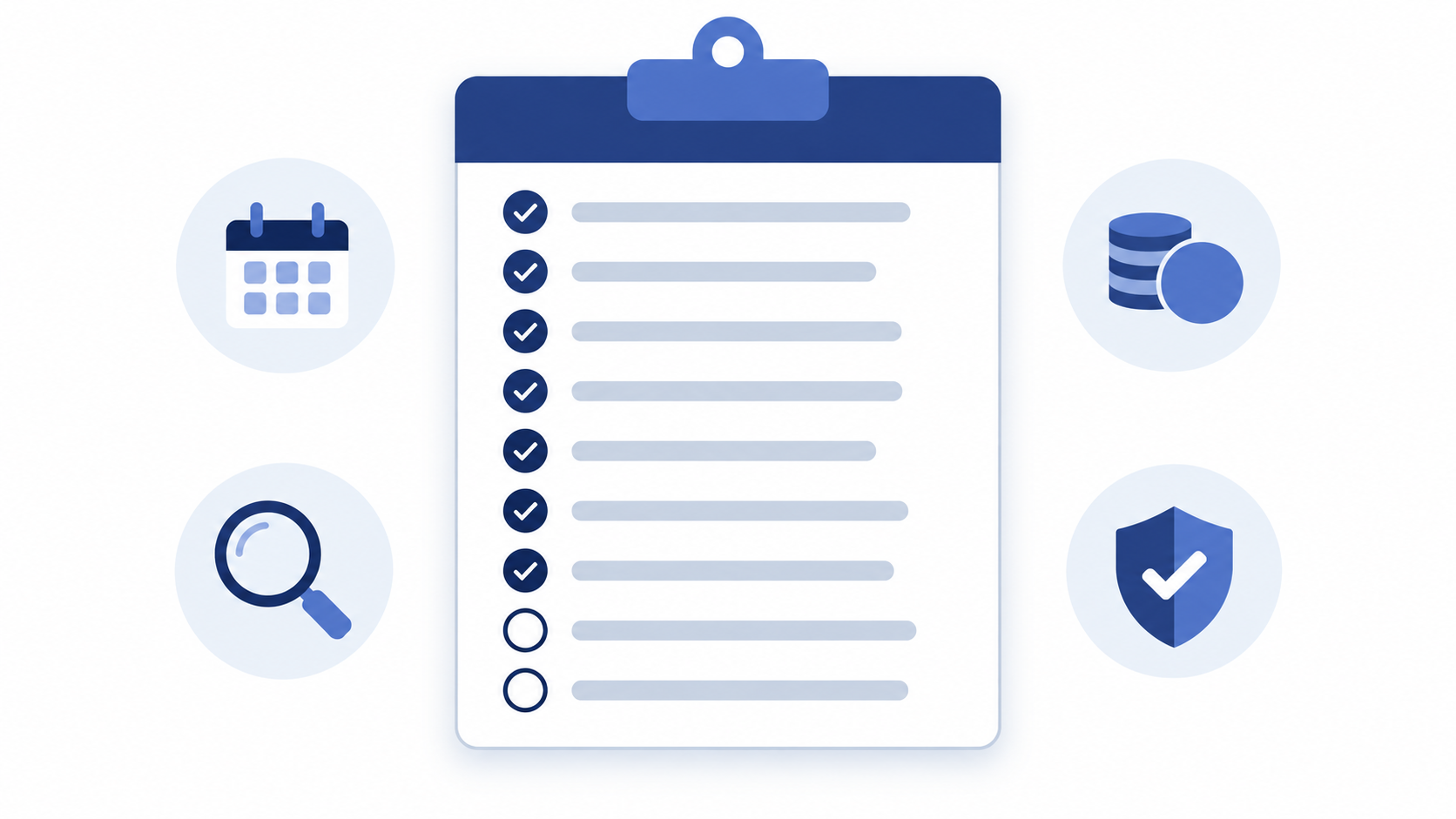
Run Regular Payroll Audits
Regular checks can help identify errors before they become repeated problems.
Review payroll inputs, employee records, working hours, pay changes, deductions, tax calculations, and unusual differences between pay periods.
Reconciliation should also be part of the normal payroll process.
Use a Payroll Checklist
A consistent checklist helps payroll teams avoid forgetting important steps.
Before payday, check employee changes, new starters, leavers, working hours, overtime, bonuses, deductions, taxes, approvals, funding, and payment files.
Use a payroll checklist to keep these tasks organized across each pay period.
Automate Repetitive Payroll Tasks
Manual processes create more opportunities for data-entry mistakes.
Modern payroll software can help connect employee information, attendance, leave, salary structures, deductions, and payroll calculations.
Automation can reduce repetitive work and help identify exceptions, but businesses still need to review payroll inputs, settings, and final results.
Keep Employee Data Accurate
Employee information should be kept current and controlled.
Review important changes such as:
- Bank details
- Salary
- Work location
- Tax information
- Employment status
- Working hours
- Benefits
- Deductions
Use approval and effective dates for important changes.
Review Payroll Before Payday
A final review can catch many errors before money reaches employees.
Compare the current payroll with the previous period and investigate unusual changes.
Pay particular attention to:
- New employees
- Employees who left
- Large salary changes
- Overtime
- Bonuses
- New deductions
- Bank-detail changes
- Unusual net-pay changes
Payroll Mistake Prevention Checklist
Use this quick checklist before approving a payroll run:
- Check employee information
- Confirm new starters and leavers
- Review working hours and overtime
- Check pay rates and bonuses
- Review deductions and benefits
- Verify tax and statutory calculations
- Check employee bank information
- Review unusual payroll changes
- Confirm required approvals
- Confirm payment and reporting deadlines
- Reconcile payroll after payment
- Keep correction and approval records
Following a consistent payroll process can make these checks easier to repeat every pay period.
Frequently Asked Questions
What is the most common payroll mistake?
There is no single mistake that applies to every business. Incorrect employee data, working hours, pay rates, tax information, and manual data entry can all cause payroll errors.
The best way to identify your most common payroll problem is to track corrections and look for repeated causes.
How can payroll mistakes be prevented?
Businesses can reduce payroll mistakes by keeping employee data accurate, reviewing working hours, using current tax information, following payroll deadlines, running regular audits, and using automation where appropriate.
What should you do when you find a payroll error?
First, investigate the error and determine its scope. Then correct the underlying data, recalculate the affected payroll, correct payments and reports where required, and document the correction.
Can payroll software prevent payroll mistakes?
Payroll software can reduce manual data entry, validate information, automate calculations, and flag exceptions. However, it cannot prevent every mistake.
Incorrect employee data, outdated settings, or incorrect configuration can still produce incorrect results. Human review remains important.
How often should payroll be reviewed?
Payroll should be reviewed during every pay run. Businesses can also schedule deeper audits based on their payroll risks, workforce size, changes, and applicable requirements.
Final Thoughts
Payroll mistakes can come from incorrect worker classification, wrong hours, tax and deduction errors, manual data entry, missed deadlines, incorrect pay items, incomplete records, or incorrect software settings.
The key is not only to fix an individual error but to understand why it happened.
Regular audits, accurate employee data, clear approval processes, payroll checklists, automation, and final payroll reviews can help businesses catch errors earlier and reduce repeated mistakes.
For businesses looking to connect employee information, attendance, leave, salary structures, bonuses, deductions, and payroll generation, OryxBlue payroll software can be explored as part of a connected payroll workflow.