
Human Resource Management Process: Steps and Workflow
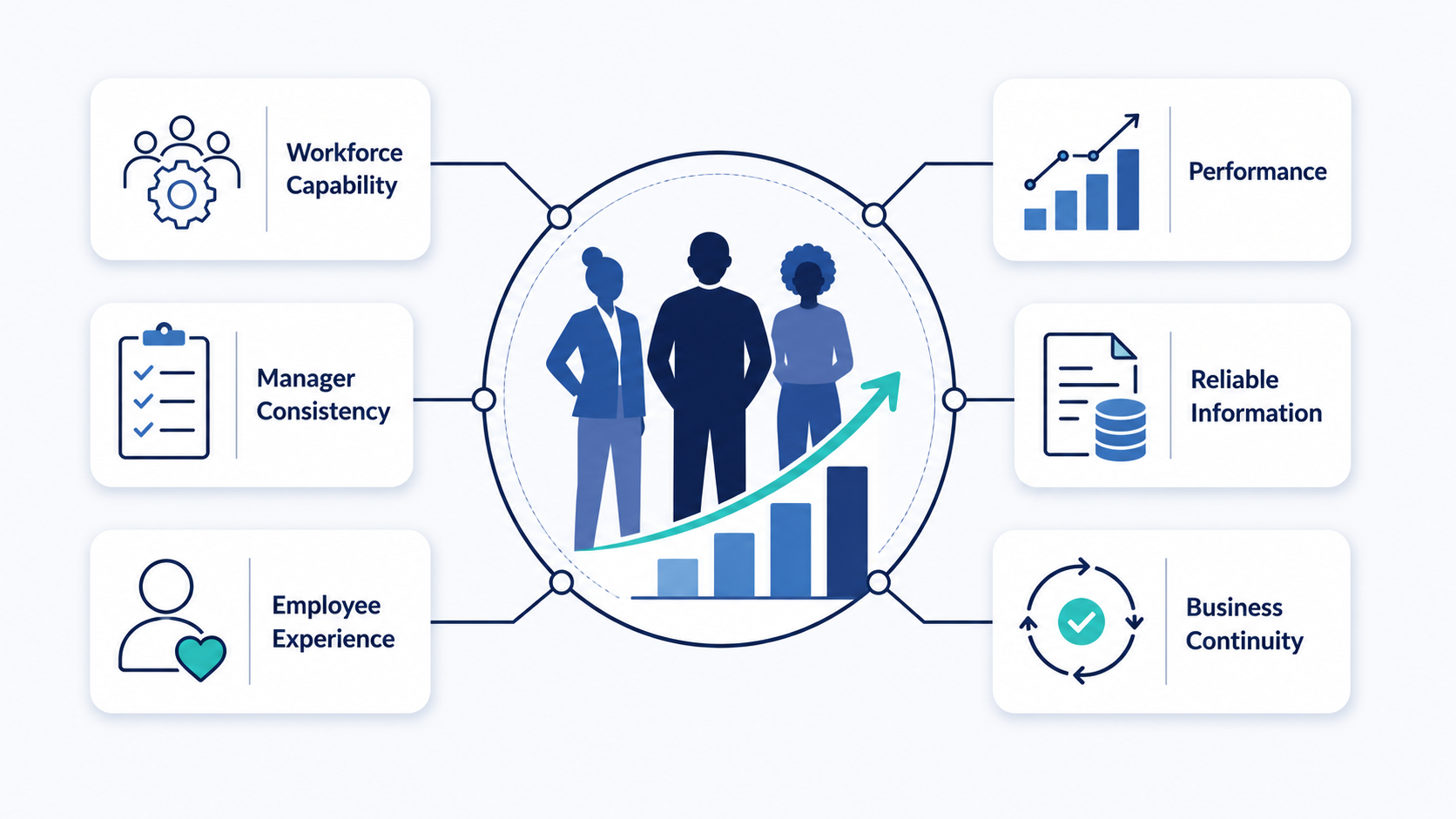
The human resource management process is the operating cycle used to plan, execute, record, review, and improve workforce decisions. It turns HR objectives into coordinated actions across leaders, HR, managers, employees, payroll, IT, and operations.
This is also called the HRM process, HR process cycle, or human resources management process.
What is the human resource management process?
The process connects a workforce need with a controlled outcome. It defines the trigger, owner, decision, actions, records, handoffs, measures, and review point.
A request starts the workflow, while a recorded outcome closes it or starts another process.
The pattern can support hiring, onboarding, leave, attendance, performance, pay changes, development, and employee departures. The details change, but the control pattern remains similar.
The wider Human Resource Management discipline contains many related responsibilities. A process organizes how a specific request or decision moves through them.
Related concepts answer different questions:
| Concept | Question it answers | Simple example |
| Objectives of HRM | What workforce result should the organization achieve? | Build suitable capability for planned work |
| Functions of Human Resource Management | Which recurring responsibility area owns the work? | Recruitment, records, performance, or rewards |
| Human resource management process | How does specific work move from trigger to closure? | Submit, review, approve, act, record, and improve |
| Employee Lifecycle | Where is the employee in the employment journey? | Candidate, new hire, active employee, or former employee |
| Importance of HRM | Why does disciplined workforce management matter? | It supports readiness, consistency, and continuity |
Objectives set the destination. Functions organize responsibility, while processes control movement and evidence.
The employee lifecycle provides context for each person. It does not replace the operating workflow.
Eight steps in the human resource management process
Most recurring HR workflows can follow eight connected steps. Teams can adjust details without removing ownership, evidence, handoffs, or review controls.
These steps in HRM create one control pattern for different workforce events, decisions, and services.
Step 1: Identify the trigger and workforce need
Every process needs a defined starting event. The trigger may come from a manager, employee, schedule, system alert, or business decision.
Examples include an approved vacancy, leave request, attendance error, role change, or resignation notice. Record the date, requester, and affected workforce group.
Human Resource Planning covers the deeper method for forecasting workforce demand and capability needs.
Step 2: Define the outcome and scope
State what the process must produce. The outcome may be a decision, completed task, updated record, payment change, or employee communication.
Define who is affected and which information is required. Record exclusions that belong to another workflow.
Step 3: Assign ownership and decision rights
Name one process owner who tracks the request through closure. Other people may complete tasks, review evidence, or approve the final decision.
Approval authority should match the action. Shared work still needs one person accountable for the complete result.
Step 4: Collect and verify required information
Gather the records needed for an accurate decision. These may include forms, schedules, role details, employee information, or manager notes.
Check required fields before approval. Return incomplete requests through a defined route instead of repairing them informally.
Step 5: Review, decide, and record the reason
The assigned reviewer compares the request with company rules, available resources, and approved authority. Record the decision and its reason.
Possible outcomes include approval, rejection, revision, escalation, or cancellation. Each outcome needs a defined next action.
Step 6: Communicate and execute the decision
Tell each affected person what was decided and what happens next. Then complete the approved action in the working system.
The action may involve scheduling, onboarding, payroll inputs, training, access, or records. A decision remains incomplete until required work is finished.
Step 7: Complete handoffs and align records
Move accurate information to the next owner. Define the required input, due time, receiving role, and completion evidence.
Update connected employee, attendance, payroll, performance, or access records. Keep differences visible until an assigned owner corrects them.
Step 8: Close, review, and improve
Confirm that the expected outcome was delivered. Close the process only after required actions, records, and communications are complete.
Review delays, corrections, missing fields, exceptions, and approval gaps. Assign each improvement an owner and review date.
| Process step | Control question | Evidence of completion |
| Trigger | What event starts the work? | Logged request, event, or approved need |
| Outcome | What must the process produce? | Defined decision or completed result |
| Ownership | Who tracks the complete result? | Named accountable owner |
| Information | What must be complete before review? | Verified required inputs |
| Decision | Who can approve, reject, or escalate? | Recorded outcome and reason |
| Execution | Which actions must follow the decision? | Completed assigned tasks |
| Handoff | Which records and owners receive the result? | Accepted transfer and aligned records |
| Review | What should continue, change, or stop? | Review decision and assigned action |
Human resource process control card
A process control card gives managers and HR one compact workflow reference. Create one card for each recurring process.
| Control field | What to record |
| Process name | A short and specific workflow name |
| Purpose | The result the process must produce |
| Trigger | The event or request that starts work |
| Scope | Included people, sites, roles, and exclusions |
| Requester | The person or role allowed to start it |
| Process owner | The person accountable for completion |
| Required inputs | Forms, records, dates, and evidence |
| Reviewers | People who check accuracy or business need |
| Approver | The role with final decision authority |
| Main actions | Steps in their required order |
| Handoffs | Next owners and required transfer information |
| Outcomes | Approval, rejection, revision, escalation, or cancellation |
| Record updates | Systems and records that must change |
| Exceptions | Route for unusual or disputed cases |
| Completion evidence | Proof required before closure |
| Measures | Delay, error, rework, and outcome signals |
| Review date | When the owner checks process health |
Keep the card beside the working procedure. Update both when ownership, rules, or systems change.
The card does not replace detailed instructions. It shows how the process is controlled and where responsibility changes.
Process handoffs across common workforce events
HR processes connect several teams. Sending a message does not complete a handoff because the next owner needs usable information.
| Workforce event | Trigger | Main handoffs | Closure evidence |
| Approved hire | Accepted candidate decision | Manager, employee records, payroll, IT, and training | Matched start data, assigned tasks, and accepted ownership |
| Leave request | Employee request | Manager, scheduling, records, and payroll when needed | Decision notice and aligned leave, schedule, and pay records |
| Performance concern | Documented work issue | Manager, HR, employee, and assigned support | Recorded expectations, actions, evidence, and review outcome |
| Role or pay change | Approved business change | HR, payroll, manager, access, and reporting | Matched title, pay, reporting line, and permissions |
| Employee departure | Notice or approved decision | Manager, HR, payroll, IT, facilities, and knowledge owner | Closed records, access, assets, handover, and communications |
Every handoff needs a sender, receiver, required input, timing, and exception route. One process owner should confirm final closure.
Who owns the human resource management process?
One owner tracks the full outcome, while several roles may own individual steps. The responsibility split should remain visible.
| Role | Main process responsibility |
| Leadership | Set decision rights and approve major exceptions |
| HR | Design the process, guide managers, maintain records, and check consistency |
| Managers | Provide business context, evidence, decisions, and follow-through |
| Employees | Provide accurate information and complete assigned actions |
| Finance or payroll | Handle budget, pay, accounting, and reconciliation handoffs |
| IT or facilities | Manage access, equipment, systems, and workplace handoffs |
Shared responsibility should not become unclear accountability. The process card must name the final owner.
Adapting the process to company size and industry
Process structure should match operating complexity. More approvals do not always create better control.
| Operating context | Practical adaptation |
| Small business | Use short workflows, named owners, one trusted record, and a clear exception route |
| Growing business | Add consistent forms, decision rules, handoffs, deadlines, and status visibility |
| Mid-market business | Use approval levels, role permissions, shared standards, and controlled local variations |
| Manufacturing | Include shift coverage, site access, production skills, and equipment handoffs |
| Packaging | Connect seasonal demand, line staffing, schedules, and capability information |
| Textile and apparel | Link production roles, attendance, training, pay inputs, and quality handoffs |
| Software and SaaS | Coordinate distributed teams, role changes, projects, equipment, and application access |
HR Management for Small Business covers lean-team responsibilities and controls in more detail.
Add a step only when it protects a decision, handoff, record, or employee communication.
Measuring the HR process cycle
Measure process health rather than employee worth. Use several signals to find delays, weak handoffs, repeated errors, and poor outcomes.
| Measure | Question it answers | Guardrail |
| Cycle time | How long does the complete process take? | Faster work must not increase errors |
| Handoff aging | Where does work wait for another owner? | Confirm the next owner received usable information |
| First-pass completeness | How often does information arrive ready for action? | Do not shift unnecessary work to the requester |
| Rework | How often must completed work be corrected? | Separate source errors from process errors |
| Overdue steps | Which responsibilities miss agreed dates? | Check workload and authority before assigning blame |
| Exceptions | How often does work leave the standard route? | Review whether the standard still fits real cases |
| Record alignment | Do connected records show the same result? | Define which record is authoritative |
| Outcome quality | Did the process deliver its intended result? | Review speed, fairness, accuracy, and operating effects together |
People Analytics covers deeper metric design and interpretation. A measure is useful when it supports a defined decision.
How OryxBlue supports the human resource management process
Software can organize work, records, routing, and visibility. It cannot choose the right policy or replace accountable management.
OryxBlue is presented as a cloud HR platform for growing businesses. Its public materials cover employee records, attendance, leave, payroll visibility, onboarding, scheduling, approvals, and reporting.
These capabilities can connect several HR process steps. The business must still define rules, decision rights, evidence, timing, and exceptions.
| Process area | OryxBlue support | What the business must define |
| Employee information | Employee records and workforce visibility | Required fields, access, ownership, and update rules |
| Onboarding | Onboarding records and coordinated workforce information | Tasks, owners, deadlines, and completion evidence |
| Attendance | Attendance information and scheduling context | Work rules, corrections, exceptions, and review duties |
| Leave | Leave records and role-based requests | Eligibility, approval levels, coverage, and escalation routes |
| Scheduling | Employee schedules and workforce visibility | Coverage needs, shift ownership, rotations, and change controls |
| Payroll coordination | Payroll visibility and employee information | Pay rules, cutoffs, checks, approvals, and reconciliation |
| Requests and approvals | Role-based request and approval paths | Decision rights, timing, evidence, and exception handling |
| Process review | Reports and workforce visibility | Review frequency, measures, actions, and accountable owners |
HR Management Software explains the wider technology category. HR Automation covers rules-based routing, reminders, and task automation.
Document each workflow before configuring it. Test permissions, approval paths, required records, exception handling, and reports before wider use.
OryxBlue supports the workflow the business defines. Leaders and managers still own every policy choice and employment decision.
Verify the current product scope before publication or selection because software capabilities can change.
Common process failure points
Most process failures begin with unclear ownership or incomplete information:
- No accountable owner for the full outcome.
- Hidden approvals outside the agreed route.
- Several records showing different information.
- Missing deadlines or completion evidence.
- Exceptions handled without review.
- Managers using different decision rules.
- Automation added before fixing the workflow.
- Work closed before connected records match.
Fix ownership, inputs, and decision rules before adding more forms or software.
Human resource management process audit checklist
Use these questions during each process review:
- Does the process have one clear purpose?
- Is the starting trigger defined?
- Does one person own the final result?
- Are decision rights and approval levels documented?
- Does every handoff name its next owner?
- Is only necessary information requested?
- Can requesters see the current status?
- Does the process include an exception route?
- Is one record defined as authoritative?
- Are closure requirements clear?
- Do measures reveal delay, error, rework, and outcomes?
- Is the process reviewed after operating changes?
Any repeated “no” answer needs an owner, action, and review date.
Frequently asked questions about the human resource management process
What is a human resource management process?
It is a repeatable route for completing a workforce decision or service. It connects owners, actions, records, communication, evidence, and review.
What are the main steps in the human resource management process?
The steps cover trigger, outcome, ownership, information, decision, execution, handoff, closure, and improvement. Organizations may combine steps within simpler workflows.
What is an HR process cycle?
An HR process cycle connects a starting event with an outcome and review. The review may improve, replace, or retire the workflow.
How is a process different from a human resource function?
A function is an ongoing responsibility area, such as recruitment or payroll. A process explains how specific work reaches completion.
How is the process different from the employee lifecycle?
The employee lifecycle describes stages in the employment relationship. Processes support decisions and services within those stages.
Who should own a human resource process?
One named person should own the complete result. HR, managers, employees, payroll, and IT may own separate tasks.
Which HR process steps should be automated?
Automate stable tasks with clear rules, such as routing, reminders, and status updates. Keep judgment and exceptions with authorized people.
Where should a small business begin?
Start with a frequent process causing confusion or rework. Define its owner, decision route, record, timing, and completion evidence.
Where to go next
Use objectives to define the result and functions to assign responsibility. Use the employee lifecycle to locate where people experience the process.
Use planning for future workforce needs. Use analytics and automation when the problem concerns evidence, routing, or scale.